
Race director tool
Race corral calculator
Estimate the size and number of start corrals for your race from your staging area, the spacing between participants, and your field size.
Overview
Why corrals, and how many?
Race corrals are often used by large events, or events with a limited staging area, to group runners of similar abilities and to control how quickly runners flow across the start and finish lines.
It used to be that the size and number of corrals came from some simple math and nice even numbers, like groups of 10, 20, or 50, and no one gave a second thought to how densely runners packed the staging area. When COVID-19 social-distancing guidelines arrived in 2020, race directors and timers suddenly needed corrals that kept runners apart, and the math stopped being simple. We built this calculator for that.
It works for any spacing you choose. Setting up the corrals and assigning participants is easy in RunSignup and its RaceDay Scoring suite for timers; this tool helps you decide what to set up. Questions, feedback, or found a mistake? Contact us.
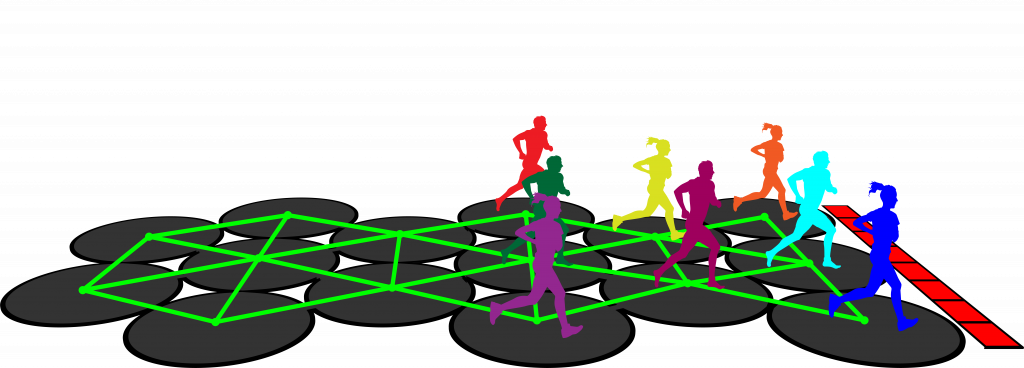
Calculator
Size your corrals
Use the sliders to set your staging area width and length, the participant separation, and the number of participants. The results update as you go: the first set is for a rectangular grid, the second for a hexagonal grid.
Calculation deep dive
How the calculator thinks about your start
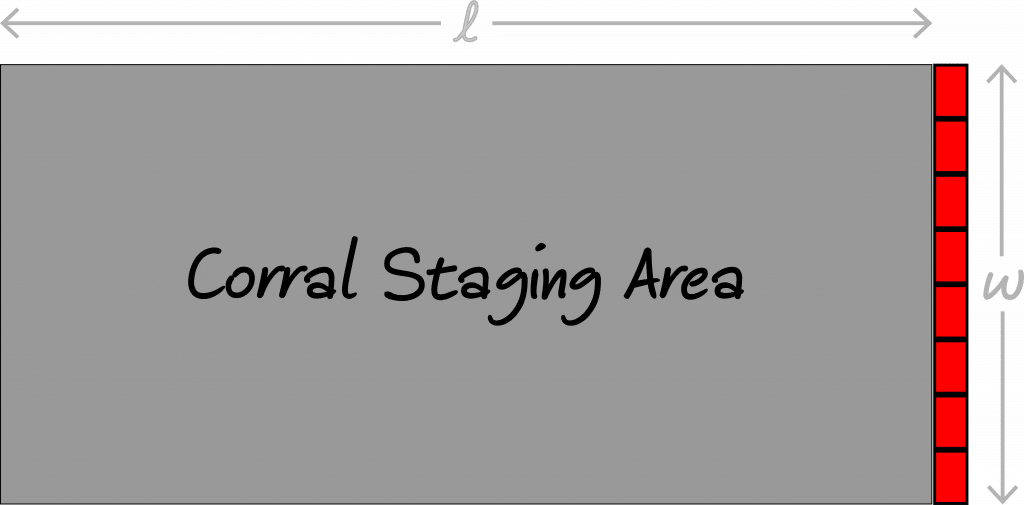
The staging area (the starting corral area or start chute) is the space where runners gather in front of the starting line. The diagram shows a simple staging area defined by its length and width.
In practice, the width of your staging area is set by the width of your starting line mats or arch. Check whether your arch is narrower than your mats, or the other way around. Consider adding a buffer too, so participants aren’t lined up right along the edges, crossing the ends of the mats, or running into the arch uprights. The length is usually more flexible.
A true 6-foot buffer between participants also has to account for the “diameter” of our bodies. One way to handle that: assume each runner fits in a 1-foot-wide circle and set the participant separation slider to 7 feet instead of 6.
Rectangular or hexagonal grid?
The calculator gives two sets of results: one for arranging participants on a rectangular grid, one for a hexagonal grid. Does it matter which you use? In practice, probably not, except in a few unlikely edge cases. I provide both to scratch my own itch to go overboard with the analysis.
It’s true that the densest way to pack equal circles on an infinite plane is a hexagonal grid (a lattice, in nerdspeak), but that’s not what we’re dealing with in race timing. For most starts, the only rigid constraint is the starting line width. The length of the staging area usually has some wiggle room, so you can fit as many participants per corral on a rectangular grid as on a hexagonal one by adding a few more lines.
When the grid might matter
If you’re timing an indoor event, you may be confined in both directions, and the arrangement could matter. Two more (unrealistic) cases:
- You’re a flat-earther holding a race at the edge of the Earth, with your staging area flush against the edge: use the hexagonal arrangement for the best density.
- Your staging area is really, really long and you have thousands of participants. For about every 4 lines on a rectangular grid you can fit 5 lines on a hexagonal grid, and over a long distance that adds up.
Ultimately, our goal as race timers and race directors is to arrange oblong human beings in a confined space in a way that balances our love of competition with safety and consideration for each other. Use this tool, and what you know about your staging area, to get a reasonable limit on how many people you can accommodate. Marking a real grid with small dome cones or chalk paint is probably a good idea; which grid you choose is up to you.
Planning your start?
Talk corrals and timing with us.
We can help you plan your start line, corrals, and timing for race day.